

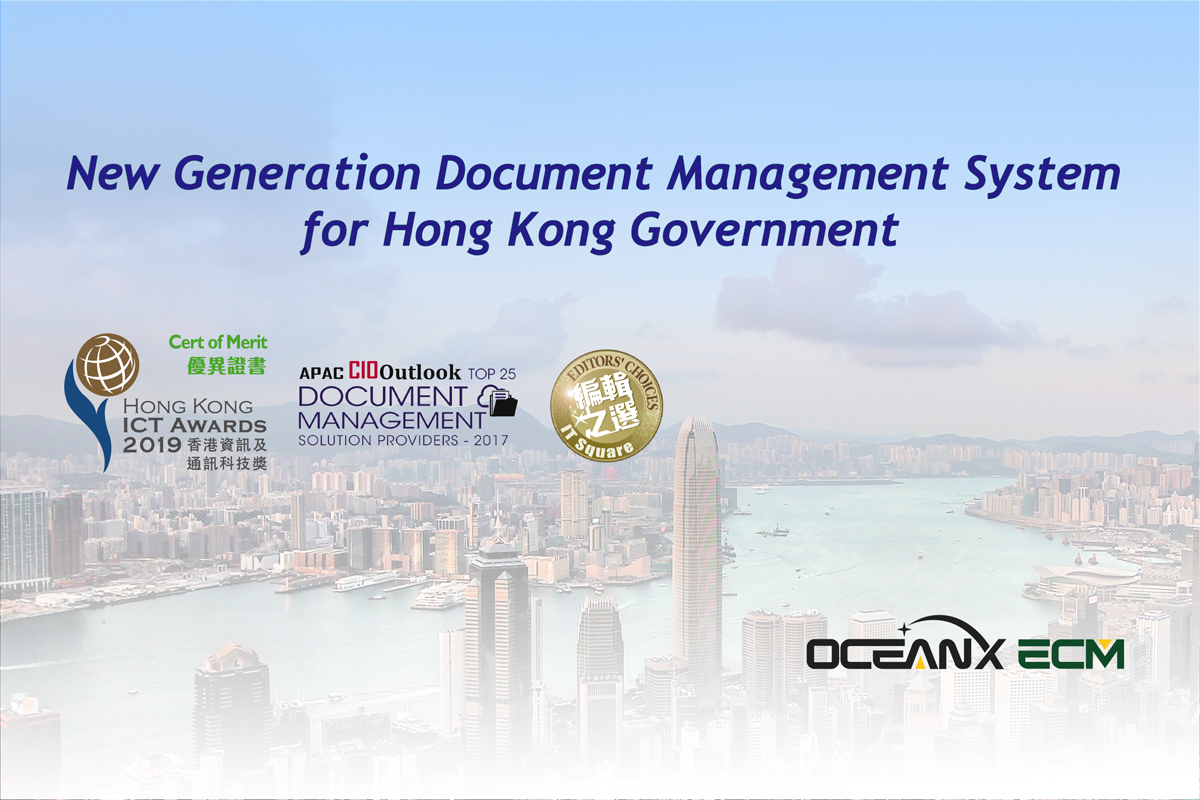
Workshop: OceanX ECM – New Generation Document Management System for Hong Kong Government
- August 29, 2019
Hong Kong, China – 30 Aug, 2019 – Active e-Solution Limited and OceanX Technology Limited jointly organized the “OceanX ECM – New Generation Document Management System for Hong Kong Government” workshop on 29 Aug, 2019.
The workshop introduced OceanX ECM for Hong Kong Government
- A completed DMS solution support Government in shifting paper-based to electronic record file
- Builds a platform to support Smart City
- Improve Government efficiency
OceanX ECM includes the following features:
- Smart Government
– enterprise content management not only helps protect documents & records but also enhances HK Departments’ operational efficiency. - Good document management practices
– strengthening corporate governance and promoting good document management practices - Protect Knowledge Asset
- High Information Security
– with AES 256 encryption, access control and activity log - Comply with Legal and Regulatory Requirements
- Integrate with Microsoft Outlook and Office
- OceanX Capture
– capture paper documents
The participants responded enthusiastically and raised a lot of questions about OceanX ECM.Through the workshop, the participants showed great interest in BuildingBlocks, Office / Outlook integration, document search, encryption, OCR, OceanX Capture and auto-filing.
Active will continue to listen to clients’ needs, understand their industry requirements and upgrade enterprise content management solution with better and more efficient functions to meet fast-growing markets.