

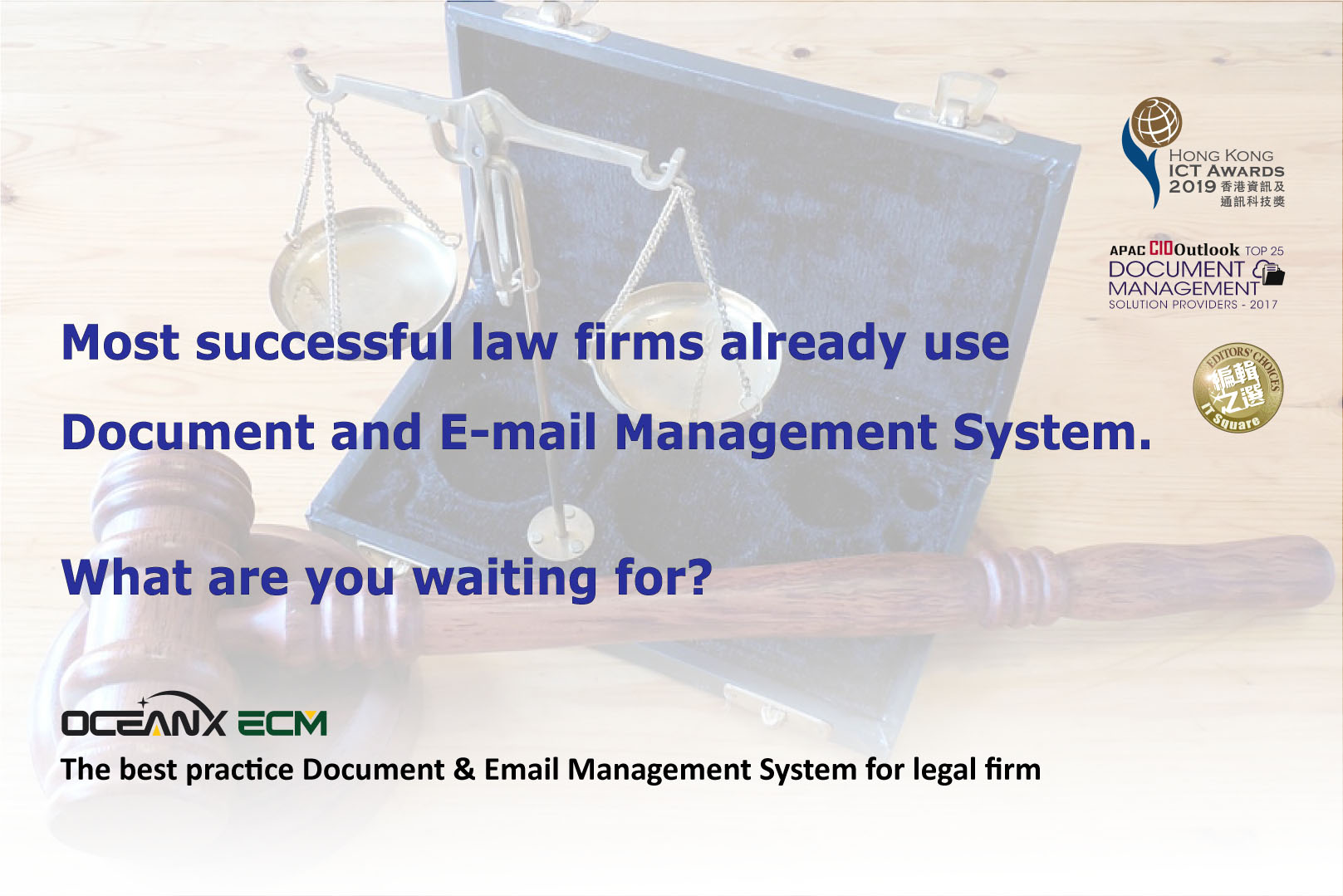
Workshop: Most successful law firms already use Document and E-mail Management System. What are you waiting for?
- February 27, 2020
Hong Kong, China – 27 Feb, 2020 – Active e-Solution Limited and OceanX Technology Limited jointly organized “Most successful law firms already use document and e-mail management system. What are you waiting for?” workshop.
Highlights:
- Matter-Centric Collaboration & Electronic Matter Folders – Metadata is automatically generated by smart matter folders and matter documents.
- Email Management – OceanX ECM provides a platform for professionals to manage emails together with documents and combines them into a single Matter Folder for matter-centric collaboration.
- Outlook Add-in – Outlook Add-in integrates Microsoft Outlook with OceanX ECM system, enables users to store and manage emails directly in Microsoft Outlook interface.
- Office Add-in – Office Add-in integrates Microsoft Office with OceanX ECM system. It enables users to Open, Edit, Save or Create Versions of documents in OceanX ECM directly from Microsoft Office Interface.
- OceanX PDFX – The tool to convert any documents to PDF with Watermark, Page Numbers, Bate Numbers and Security Control. It can also bind documents in a matter folder into Matter Bibles with table of content and cover page.
The participants responded enthusiastically and raised a lot of questions about OceanX ECM.
Through the workshop, the participants showed great interest in Office Add-in, Outlook Add-in, Workflow, OceanX PDFX and OceanX Capture.
For more information, please visit OceanX website: