

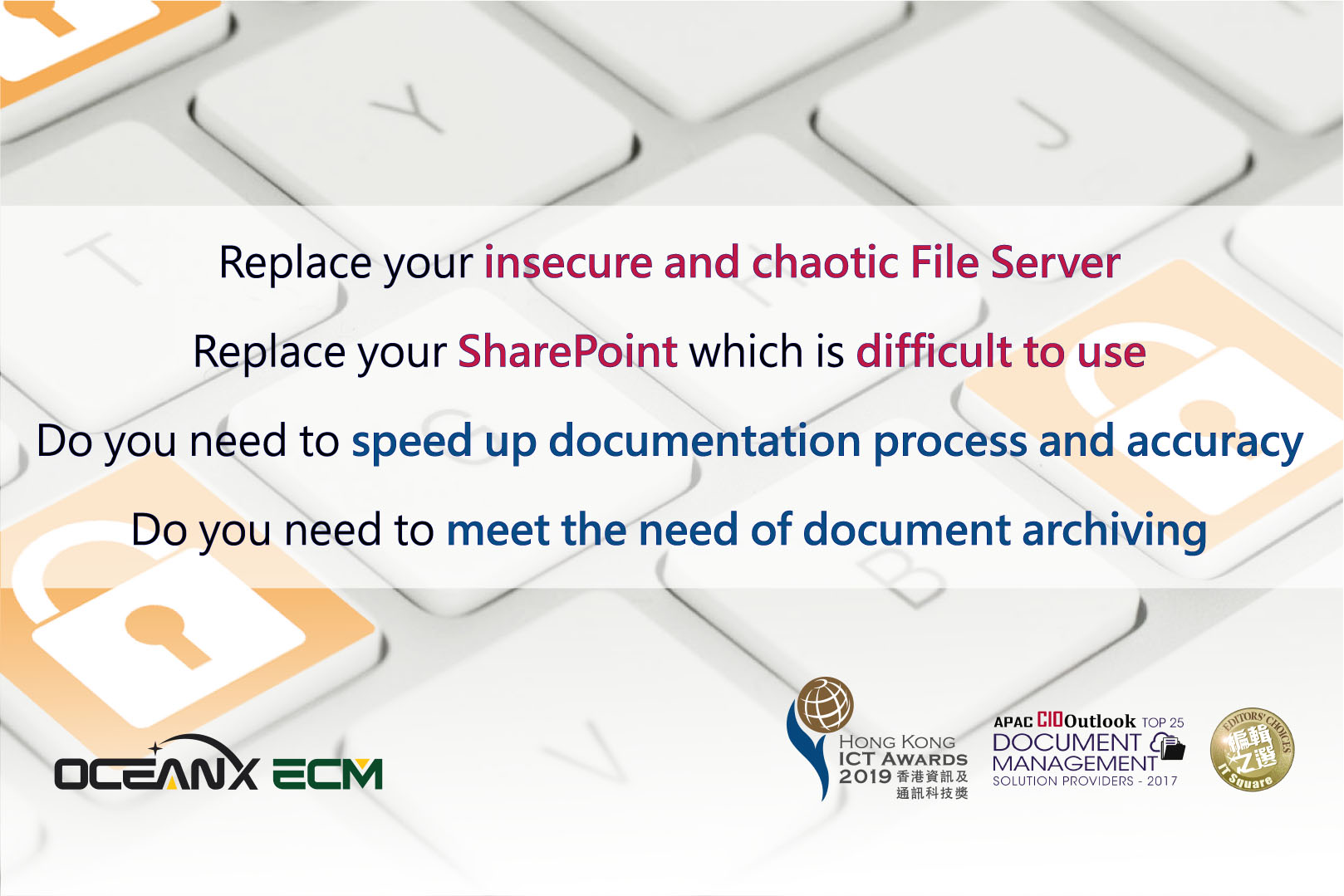
Workshop: Replaces your Insecure & Chaotic File Server and Unfriendly SharePoint
- March 31, 2020
Hong Kong, China – 31 Mar, 2020 – Active e-Solution Limited and OceanX Technology Limited jointly organized “Replaces your Insecure & Chaotic File Server and Unfriendly SharePoint” workshop.
OceanX ECM provides a complete Enterprise Content Management solution with functional modules including Document Management System (DMS), WorkFlow, Office Add-in, Outlook Add-in, Email Management, Capture, Share, Drive and PDFX.
Highlights:
- High Security – AES 256 encryption, document history, access control and audit trail
- Office Add-in – Tightly Integrates Microsoft Office, enables users to Open, Edit, Save or Create in OceanX ECM
- Version Control – Provide check-in / check-out / version control to protect “Single Version Of The Truth”
- Email Management – Manage and archive emails together with documents into a related project folder
- Outlook Add-in – Users can view and process files directly in Microsoft Outlook
- OceanX Share – Securely share documents
- OceanX Workflow – Document workflow application
- OceanX Capture – Scan documents, patented CapturePlus technology improves OCR accuracy to 99.99%
- Patented BuildingBlocks – Provide users with a personalized interface, increase user adoption rate
The participants responded enthusiastically and raised a lot of questions about OceanX ECM.
Through the workshop, the participants showed great interest in Office Add-in, Outlook Add-in and security issues, such as encryption.
For more information, please visit OceanX website: