

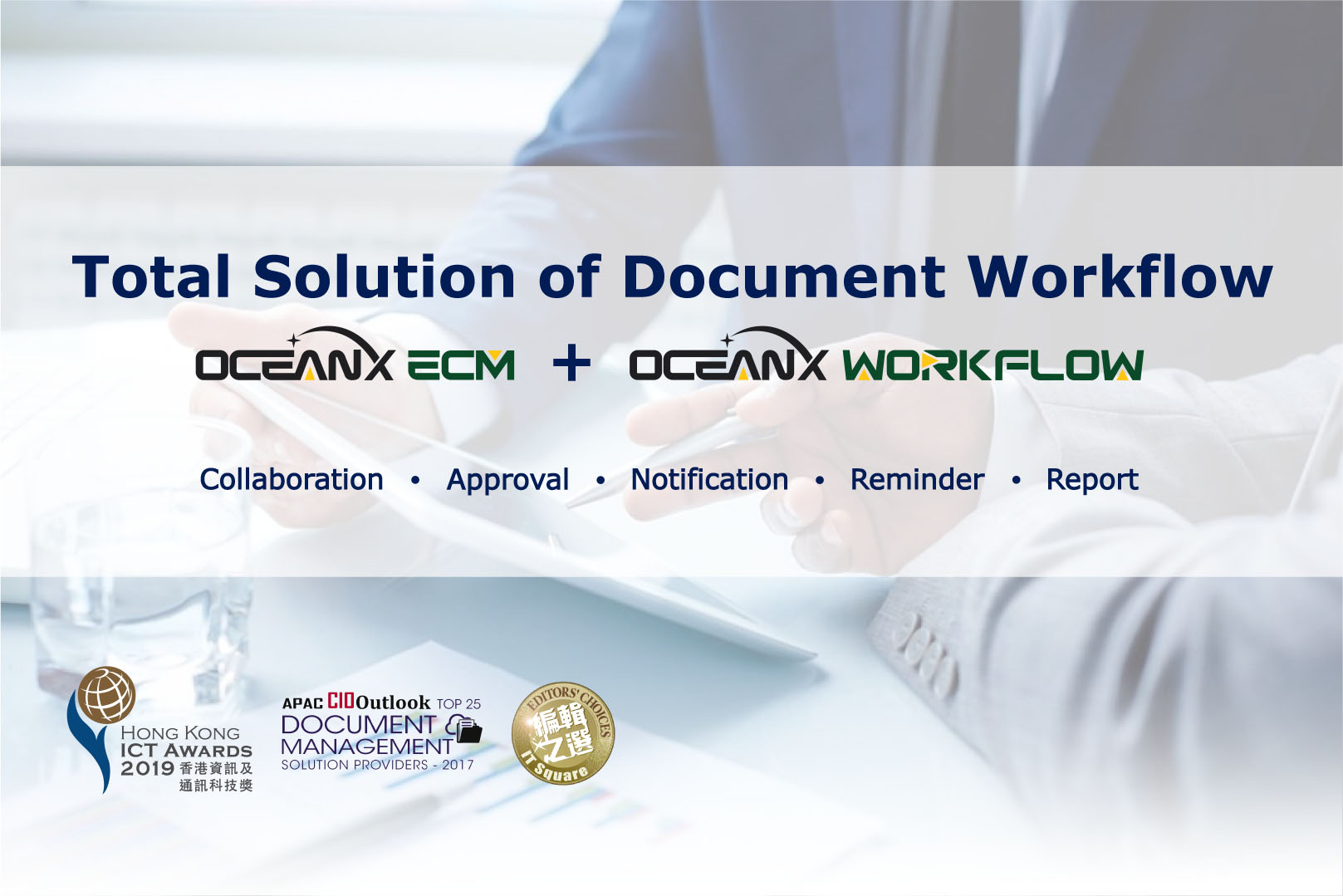
Workshop: Total Solution of Document Workflow
- January 28, 2021
Hong Kong, China – 29 Jan, 2021 – Active e-Solution Limited and OceanX Technology Limited jointly organized “Total Solution of Document Workflow” workshop on 28 Jan, 2021.
OceanX ECM is a powerful one-stop Total Solution of Document WorkFlow. It includes Document WorkFlow, Document Capture, Document Management System, Document Share and many powerful features.
Highlights:
- OceanX WorkFlow – Automation and streamline business processes, reduces time and errors, improves quality of work.
- OceanX Capture – Automatically converts paper documents to softcopy and input to ECM.
- Outlook Add-in – Outlook Add-in integrates Microsoft Outlook with OceanX ECM system, enables users to store and manage emails directly in Microsoft Outlook interface.
- Office Add-in – Office Add-in integrates Microsoft Office with OceanX ECM system. It enables users to Open, Edit, Save or Create Versions of documents in OceanX ECM directly from Microsoft Office Interface.
- Intelligent Folder – OceanX ECM consolidate emails, hard copy and soft copy documents into one system. Documents saved in a folder in OceanX ECM would inherit all metadata, indexes and access right automatically.
- OceanX Share, OceanX Drive – Share / collaborate documents with internal and external users securely.
- High Security Control – AES 256 encryption, document history, access control and audit trail.
The participants responded enthusiastically and raised a lot of questions about OceanX ECM and OceanX WorkFlow.
For more information, please visit OceanX website: