

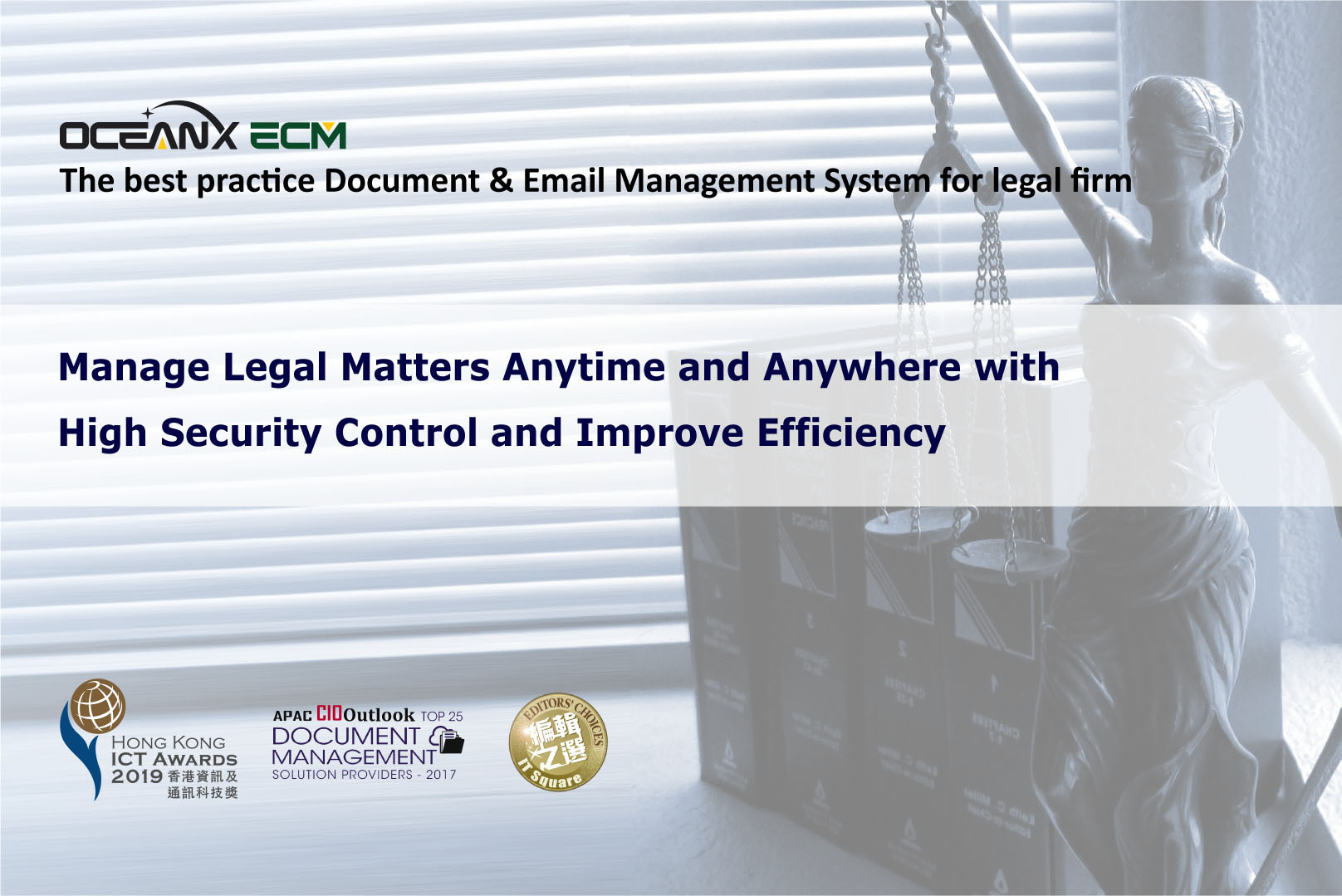
Workshop: Manage Legal Matters Anytime and Anywhere with High Security Control and Improve Efficiency
- March 31, 2021
Hong Kong, China – 1 Apr, 2021 – Active e-Solution Limited and OceanX Technology Limited jointly organized “Manage Legal Matters Anytime and Anywhere with High Security Control and Improve Efficiency” workshop on 31 Mar, 2021.
OceanX ECM is a powerful one-stop Document Management System designed for Legal Firms, Professional Service Firms and Corporate Legal Department in managing the legal matter to improve processes.
Highlights:
- Matter Centric Document Management System
- Intelligent matter folders, Know-how (Knowledge Management), Enterprise Search Engine and High Security.
- Email Management
- Automatically save incoming and outgoing e-mail messages to the Related Matter folder.
- Outlook Add-in
- Embed ECM in Outlook. Manage your important email and documents in Single interface.
- Office Add-in
- Provide version control, check in and check out. Protect your document as a’ Single Version Of The Truth’.
- PDFX
- Bind your Matter folder into a Matter Bible/eBundle with a table of content and cover page. Convert any document to a PDF with Watermark, Page Numbers, Bate Numbers and Security Control.
The participants responded enthusiastically and raised a lot of questions about OceanX ECM.
Through the workshop, the participants showed great interest in matter folders, Office Add-in, Outlook Add-in, Email Management and security control.
For more information, please visit OceanX website:
https://www.oceanxtech.com/workshop-20210331/