

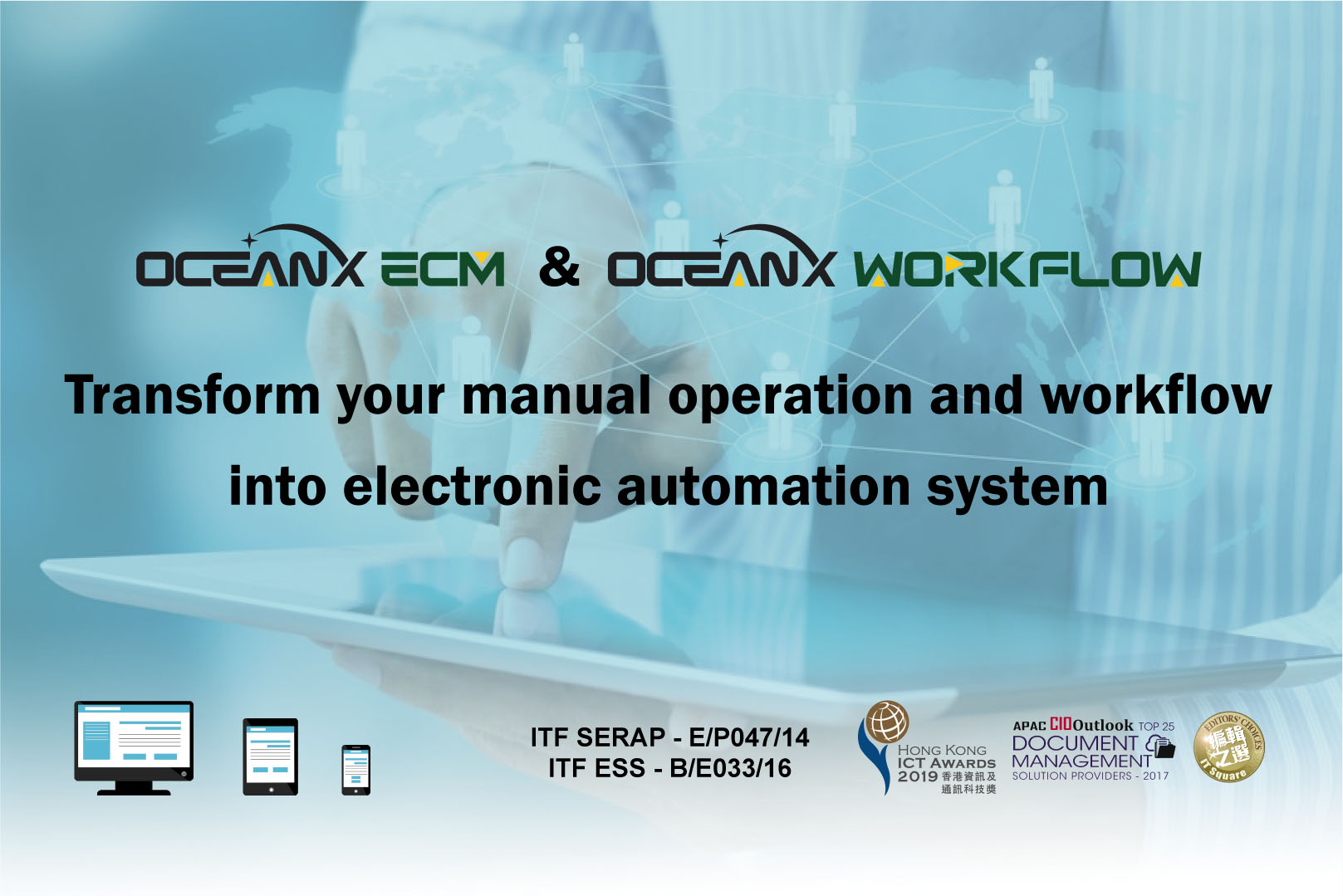
Workshop: Transform your manual operation and workflow into electronic automation system by using OceanX ECM and OceanX WorkFlow
- October 12, 2021
Hong Kong, China – 20 Oct, 2021 – OceanX Technology Limited and Active e-Solution Limited jointly organized the “Transform your manual operation and workflow into electronic automation system by using OceanX ECM and OceanX WorkFlow” workshop on 12 Oct, 2021.
OceanX ECM is a comprehensive Enterprise Content Management system which includes Document Management System, Workflow, OCR, Capture, Collaboration, Co-Editing, Share, Portal and many powerful features. Its patented BuildingBlocks technology provides user interface without programming to increase user adoption.
In this webinar, we share our experience in different companies:
- Company A – Contract Management – Manage contract life-cycle including template preparation, amendment, version control, approval, sending and renew or termination.
- Company B – HR & Finance – Organize Personnel files and keep confidential documents. Manage financial documents and support Form OCR.
- Company C – Legal Department – Manage legal documents and projects, provide version control, collaboration and email management. Replace insecure and chaotic file servers.
- Company D – Digital Mailroom system – Achieve digitalization and automation of inbound and outbound mail services.
The participants responded enthusiastically and raised a lot of questions about OceanX ECM.
For more information, please visit OceanX website: